Designing the UI of Hot Set, Part 2: The Screens Go Live
Designing the UI of Hot Set, Part 2: The Screens Go Live
Friday, November 13. Part 2 of 3. Part 1 is here.
Day 1 ended with one screen working. Day 2 was about all of them.
4:00 PM: parts into the engine
Every UI part I had cut out the day before, the curtains, cards, buttons and reels, went into UEFN as textures. It is unglamorous work, and it is the moment a mockup stops being a picture.
The title screen
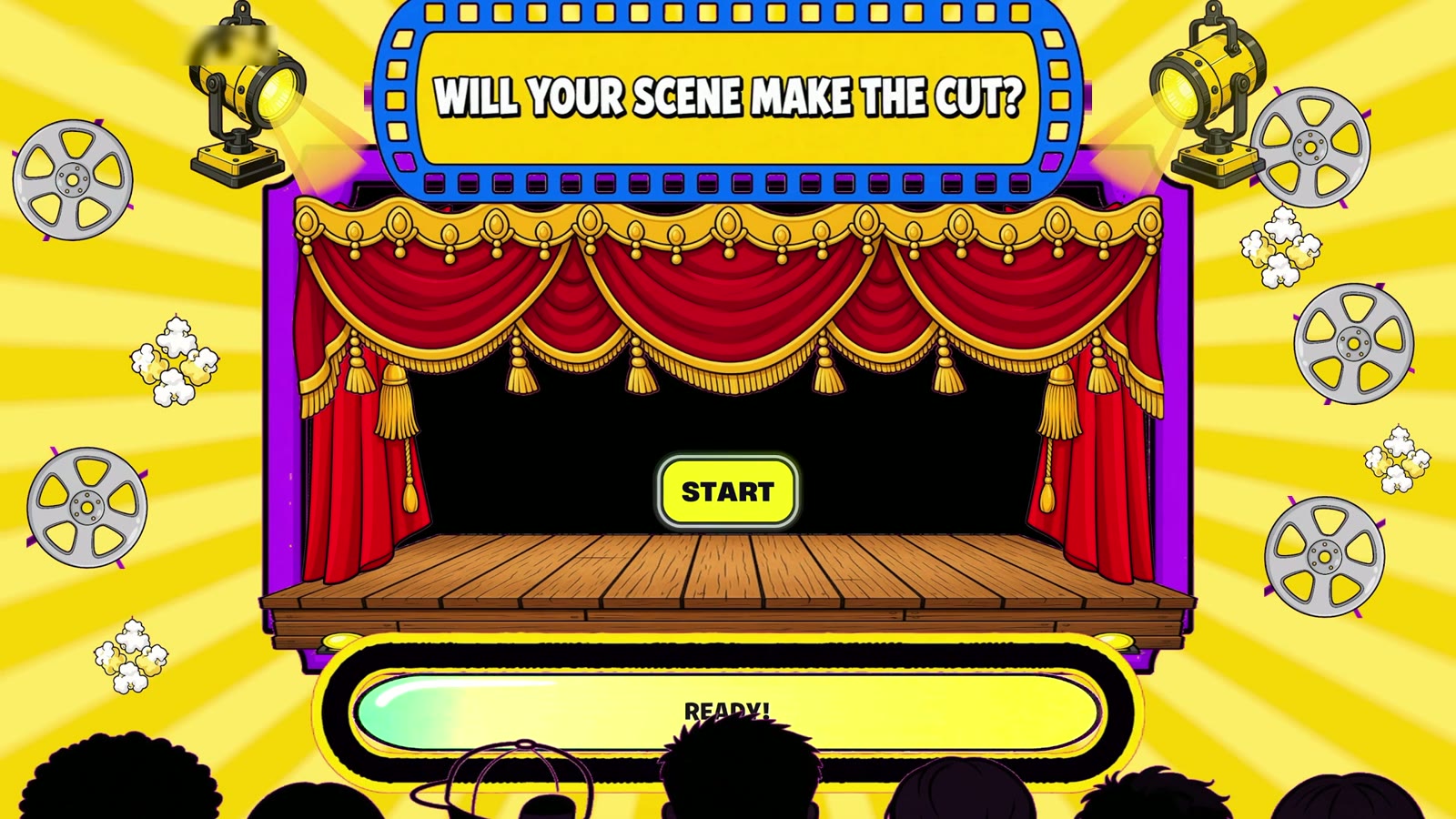
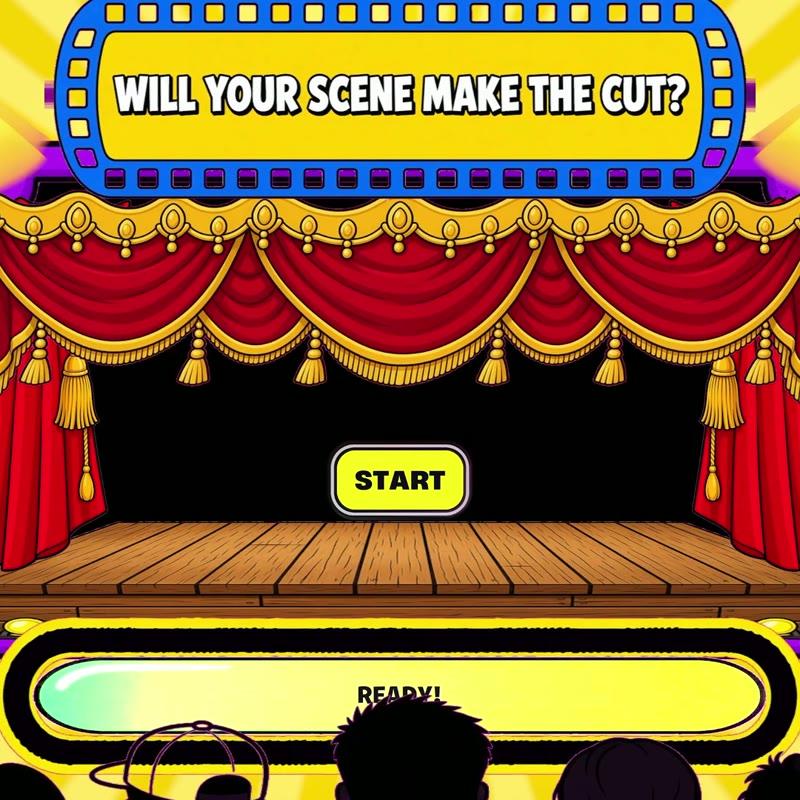
Hot Set opens on a theatre stage: red curtains, a marquee that asks "Will your scene make the cut?", a loading bar, and a START button centre stage. Film reels and spotlights sit around a yellow sunburst. That sunburst became the look of every menu after it.
Choose Your Star, first pass
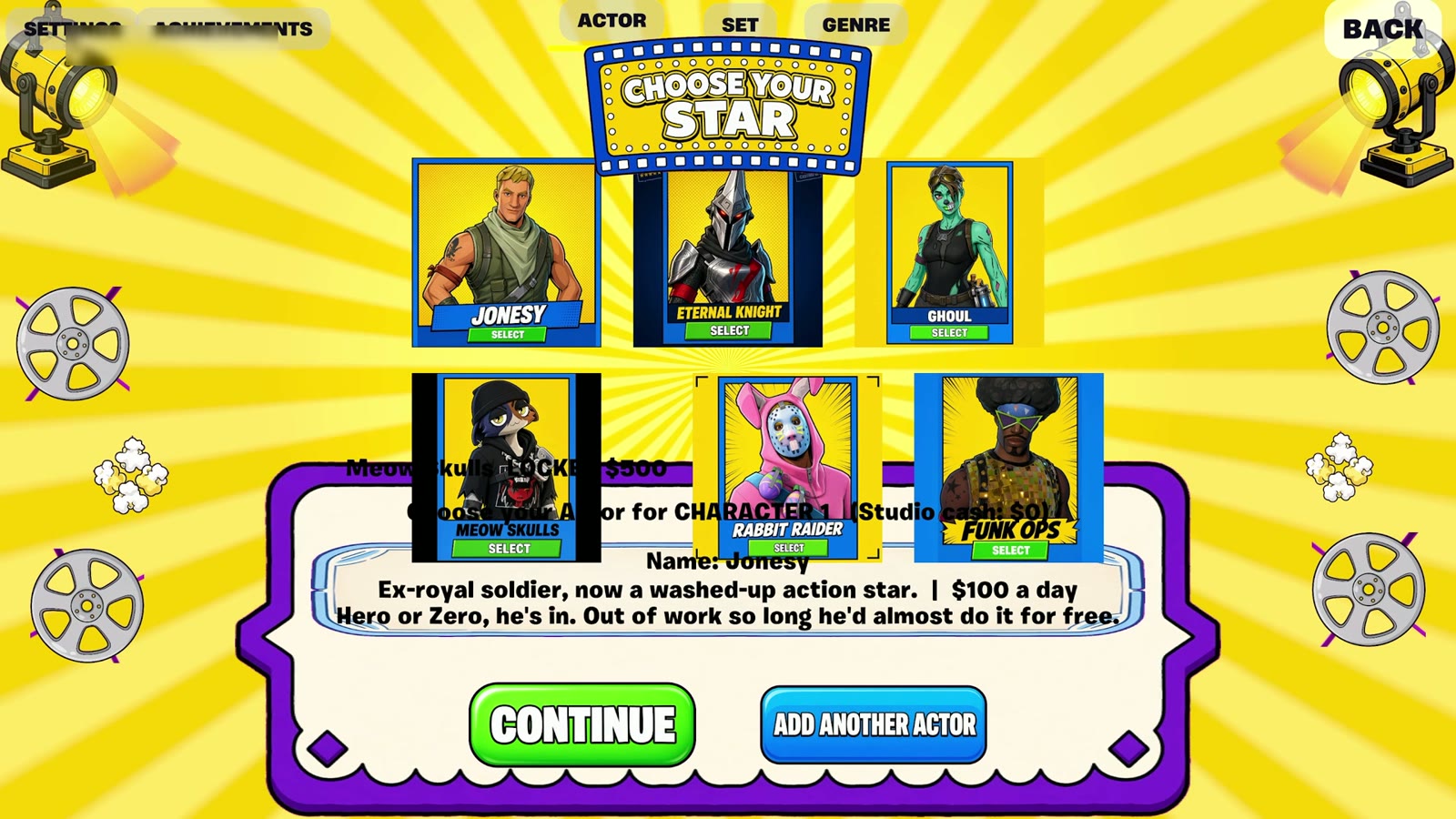
Six actor cards in a grid, with a panel underneath for the selected actor's audition bio and day rate. Jonesy: "Ex-royal soldier, now a washed-up action star. $100 a day."
The first in-engine pass was rough. The cards sat on top of the bio panel and the text ran underneath them. It was enough to prove the flow, and it went straight onto the fix list.
Choose Your Set and Pick the Genre
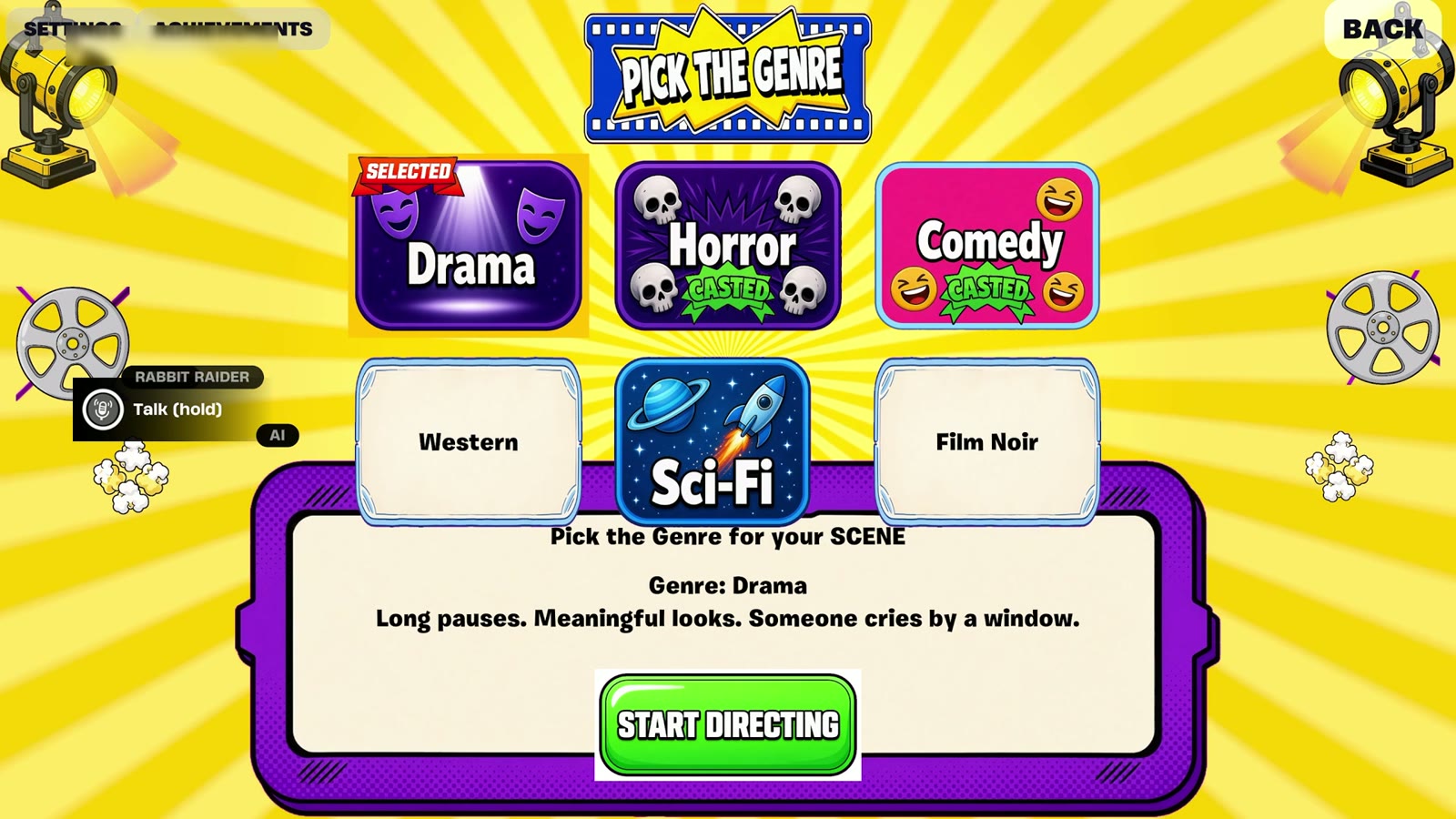
Two more grids in the same frame. Six sets, from Haunted Mansion to Spaceship Disaster. Six genres: Drama, Horror, Comedy, Western, Sci-Fi, Film Noir. Two of the genre cards were still blank placeholders at this point. Keeping the three screens on one layout meant a player learns the menu once.
On set
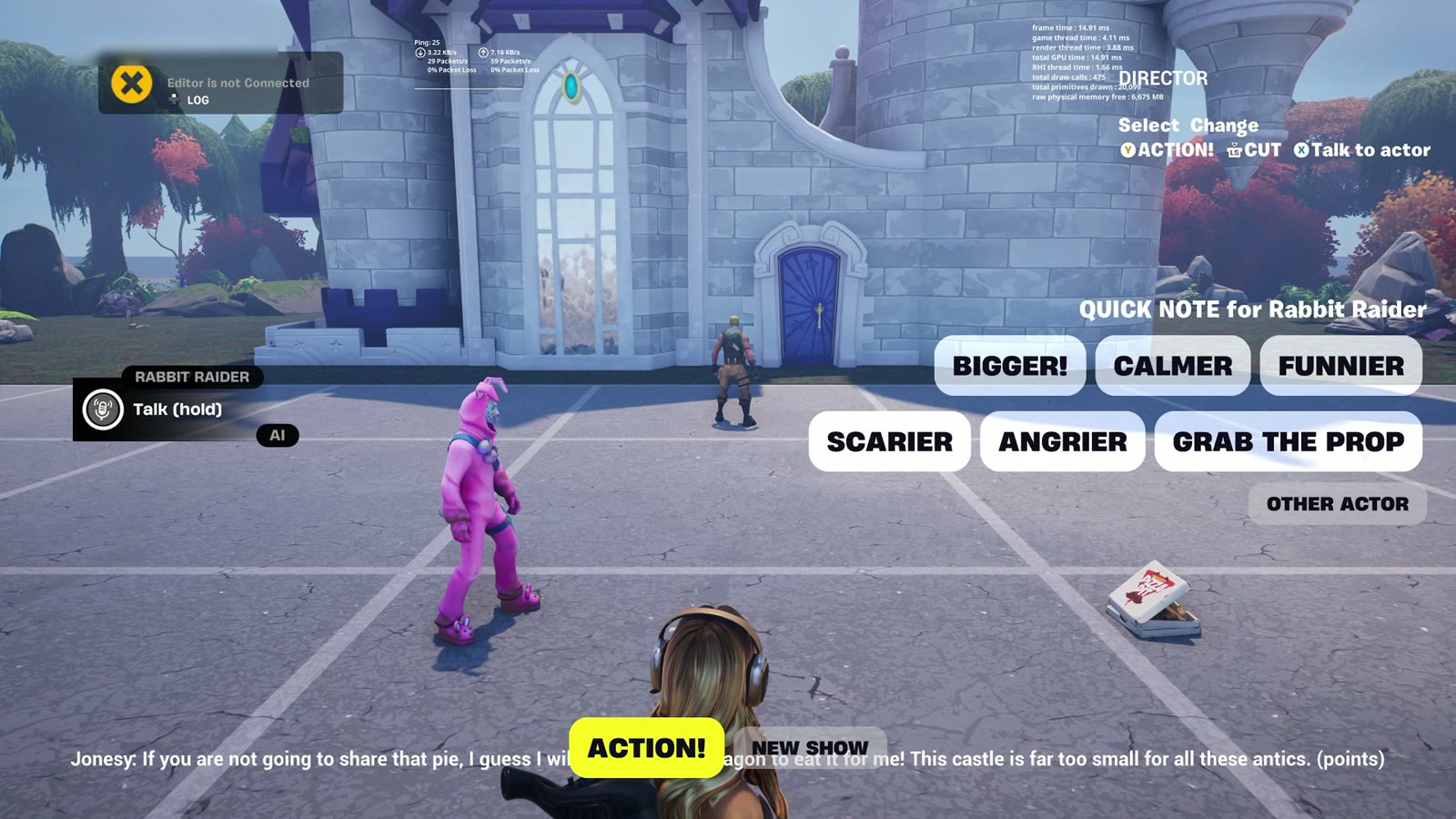
The first directing tests ran with a simple block of quick-note buttons on the right of the screen: Bigger! Calmer. Funnier. Scarier. Angrier. Grab the prop. It worked, and it looked like a placeholder. It was on my list for Day 3.
Late: Casting Call
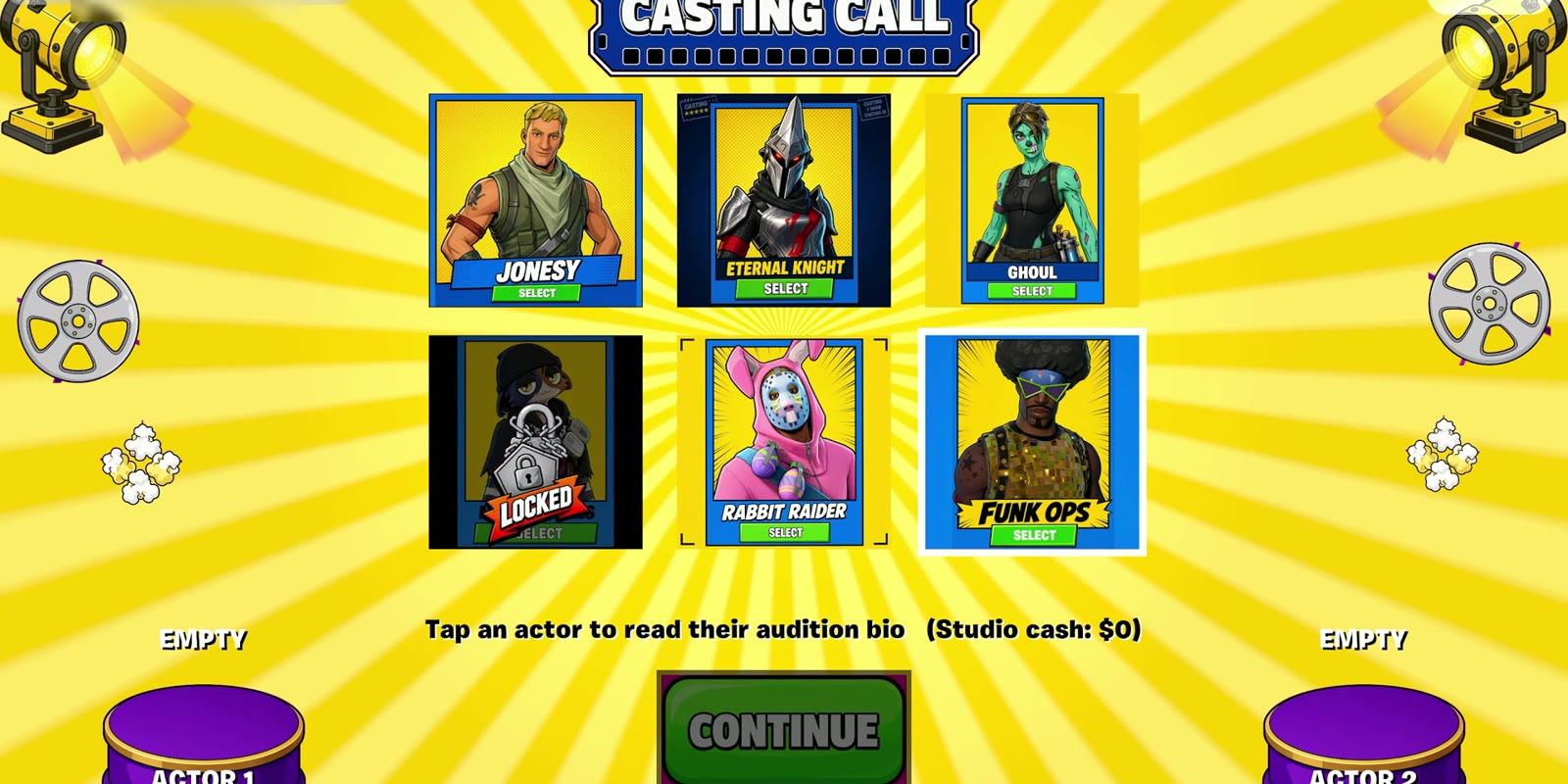
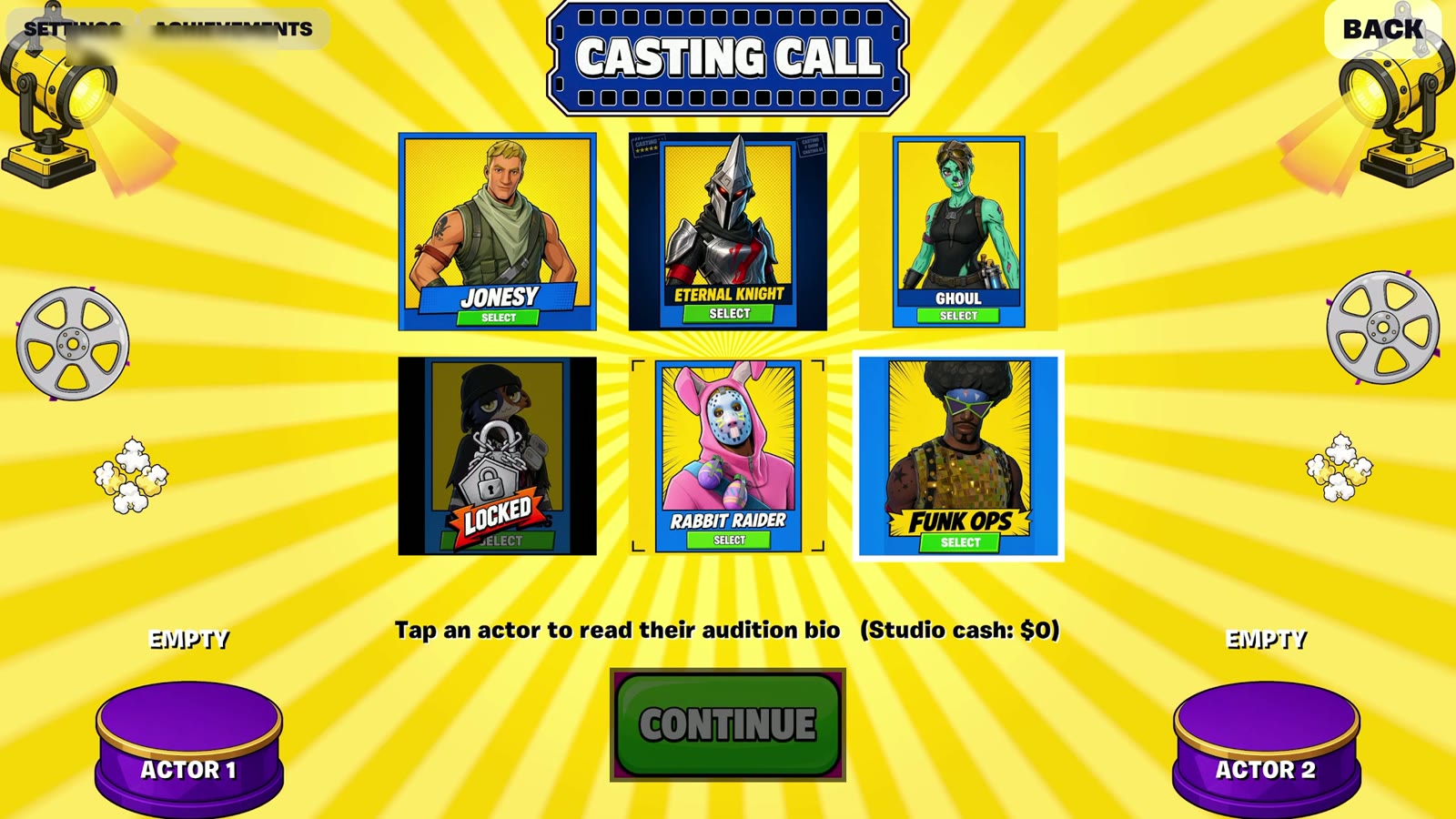
I rebuilt actor selection as a Casting Call screen, which also fixed the overlap. The grid got its own space, and two podiums at the bottom show who is cast as Actor 1 and Actor 2. Actors you cannot afford yet sit behind a padlock.
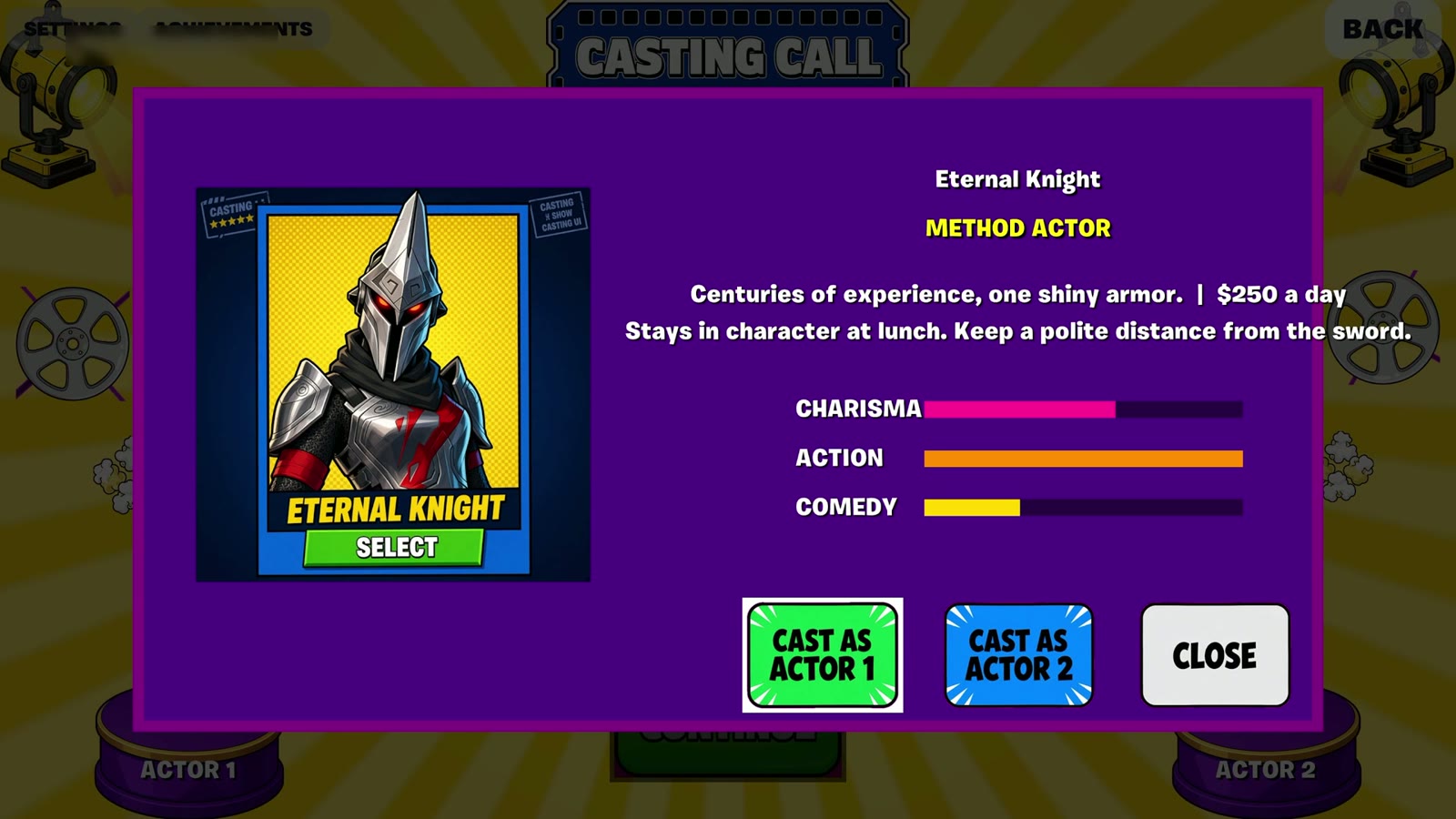
Tap an actor and the bio opens as its own card, with stat bars for Charisma, Action and Comedy. Eternal Knight costs $250 a day and "stays in character at lunch". The bios did a lot of work for very little screen space: they tell you the tone of the game before a scene has started.
By the end of the night a player could go from the title screen to a scene through screens that had all been designed, even if some still needed a second pass.
Next: Part 3: Putting the Money on Screen
Hot Set was made in four days for the Epic AI MegaJam 2026 by BizaNator (Verse programming, AI tooling, storytelling) and Rin Ella Sky (technical art, UI, visual cohesion). The AI actors, the Showrunner and everything that happens when you press these buttons are BizaNator's work.
- Play Hot Set: https://bizanator.itch.io/hot-set
- Trailer: https://youtu.be/xNuTzG2VBj4
- The team's hour-by-hour build log: https://www.biloxistudios.com/blog/megajam26-devlog
Rinellasky
Related Posts

BizaNator
How Our Actors Move
The game may not reuse Fortnite's emotes, so every wave, shrug and dramatic accusation in HOT SET is ours. Here is how we built them, and the day our import test said no.
Rinellasky
Designing the UI of Hot Set, Part 1: Grey Boxes to a Live Loading Screen
Day 1 of the jam went entirely to UI. By evening, a loading screen I had wireframed that morning was filling to START inside UEFN.
Rinellasky
Designing the UI of Hot Set, Part 3: Putting the Money on Screen
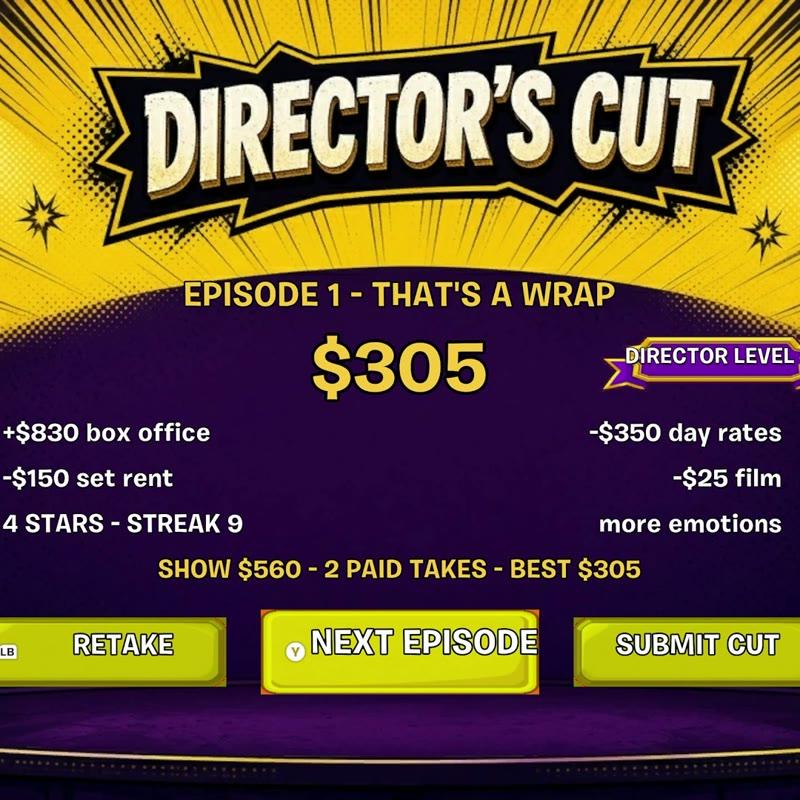
Day 3 gave Hot Set a score, and every part of that score needed a place on screen: a take counter, a director's panel and a results screen.