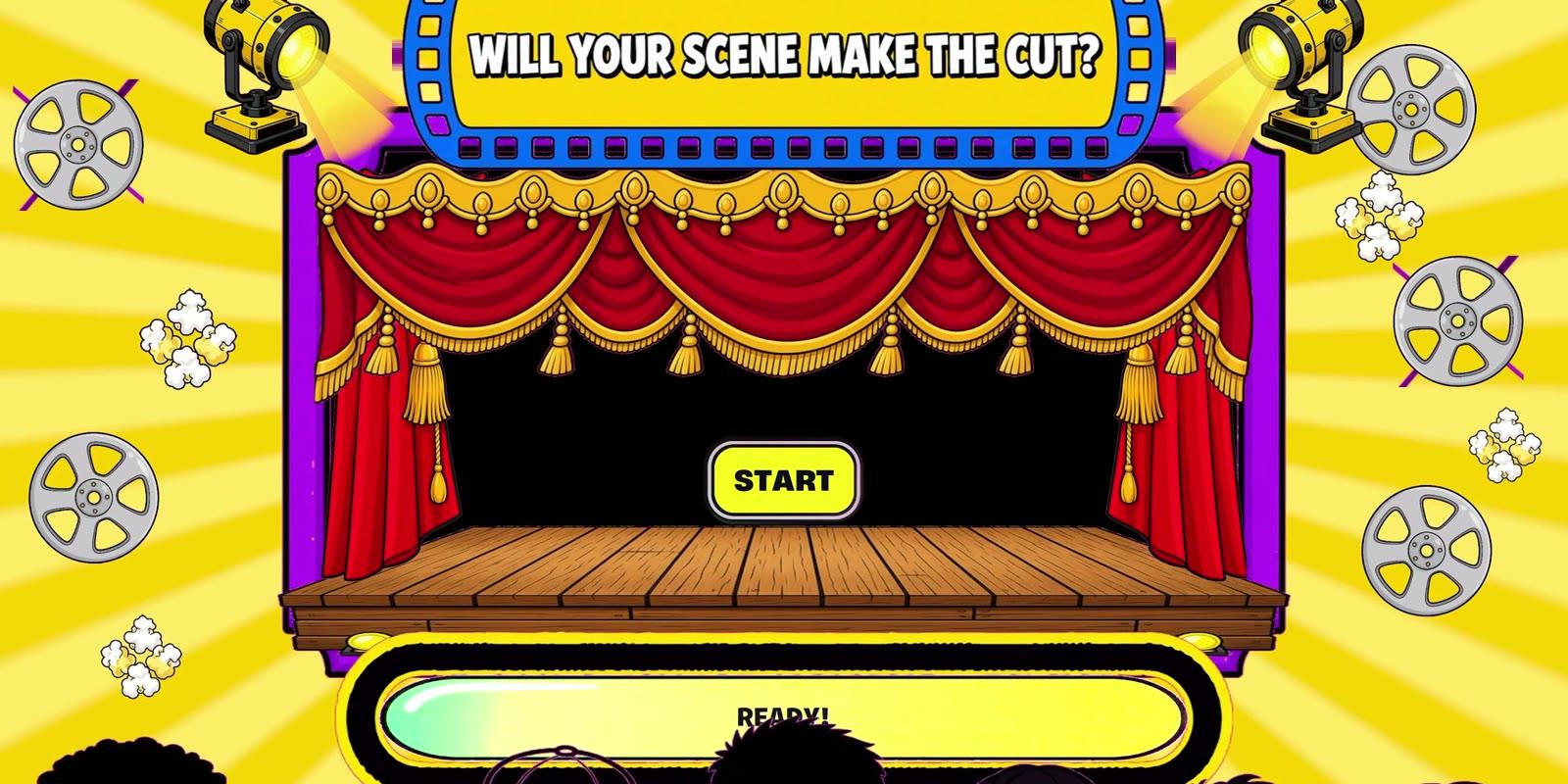
Designing the UI of Hot Set, Part 1: Grey Boxes to a Live Loading Screen
Designing the UI of Hot Set, Part 1: Grey Boxes to a Live Loading Screen
Thursday, November 12. Part 1 of 3.
I spent the first day of MegaJam 2026 on nothing but UI. By early evening, a loading screen I had sketched as grey boxes that morning was running live in UEFN. That screen became the front door of Hot Set.
That was my goal for the day: prove the whole path, from a Photoshop file to something on screen in the game, before building anything bigger on top of it.
9:30 AM: grey boxes
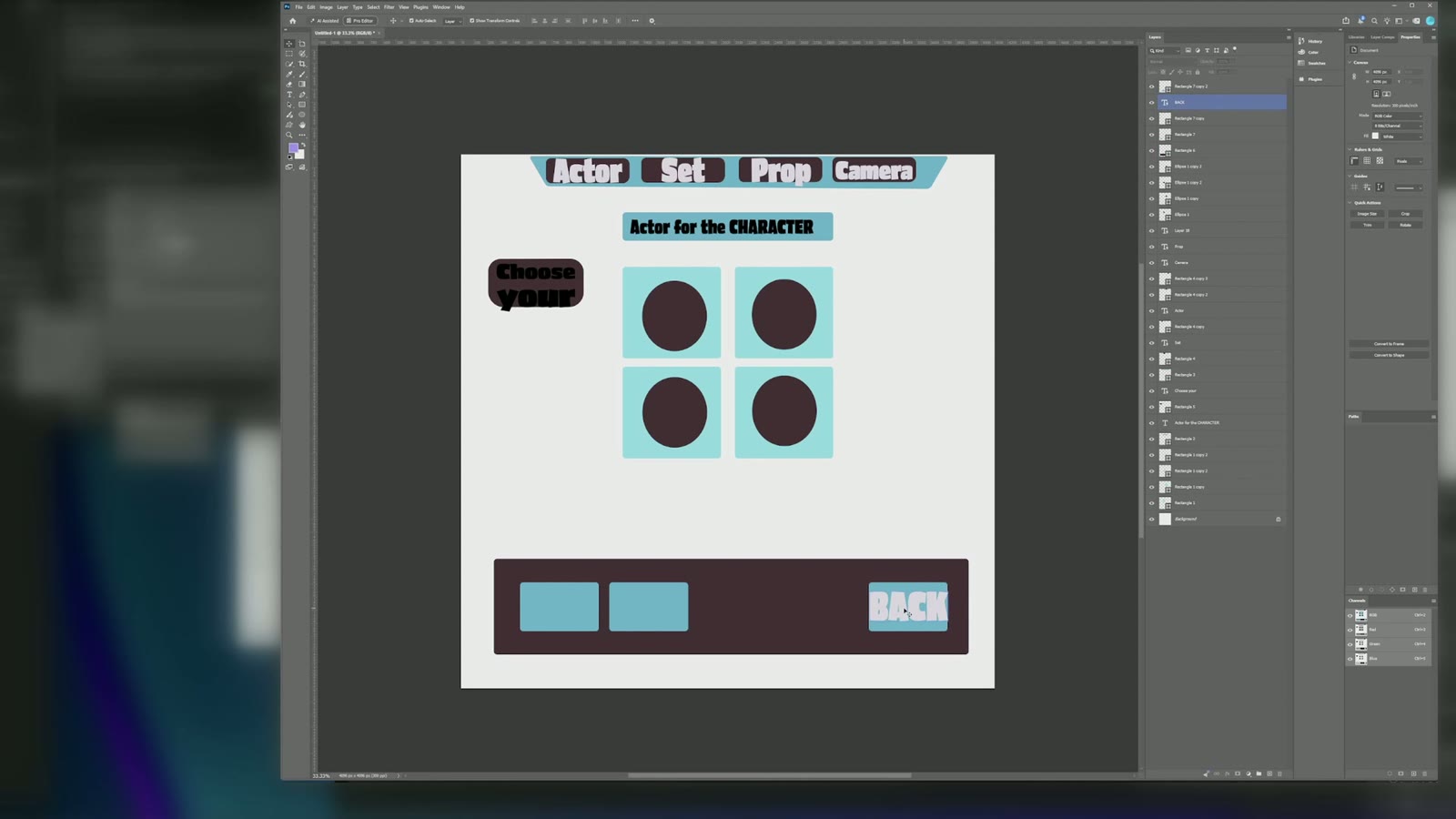
I opened Photoshop and blocked out the menu with plain rectangles. A tab bar across the top: Actor, Set, Prop, Camera. Character slots below it. A bar for Settings, Achievements and Back. Then a second screen, the start screen, which reads "Make the CUT".
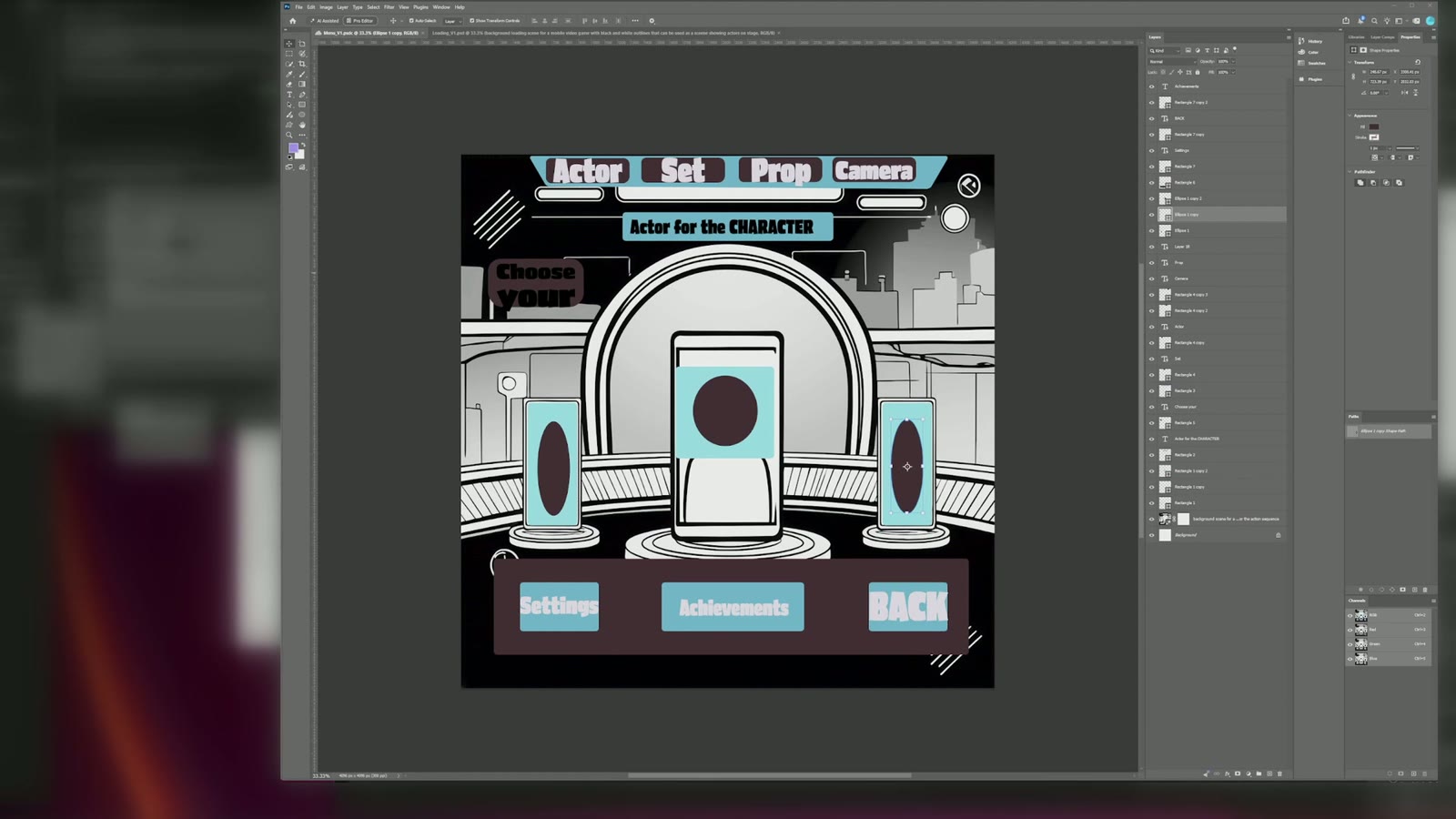
Once the layout held together, line-art backgrounds went in behind it.
Research break
Before building any of it, I walked through Epic's UEFN UI example island to see how they structure menus. Reading a working example first beats guessing.
2:30 PM: mockups
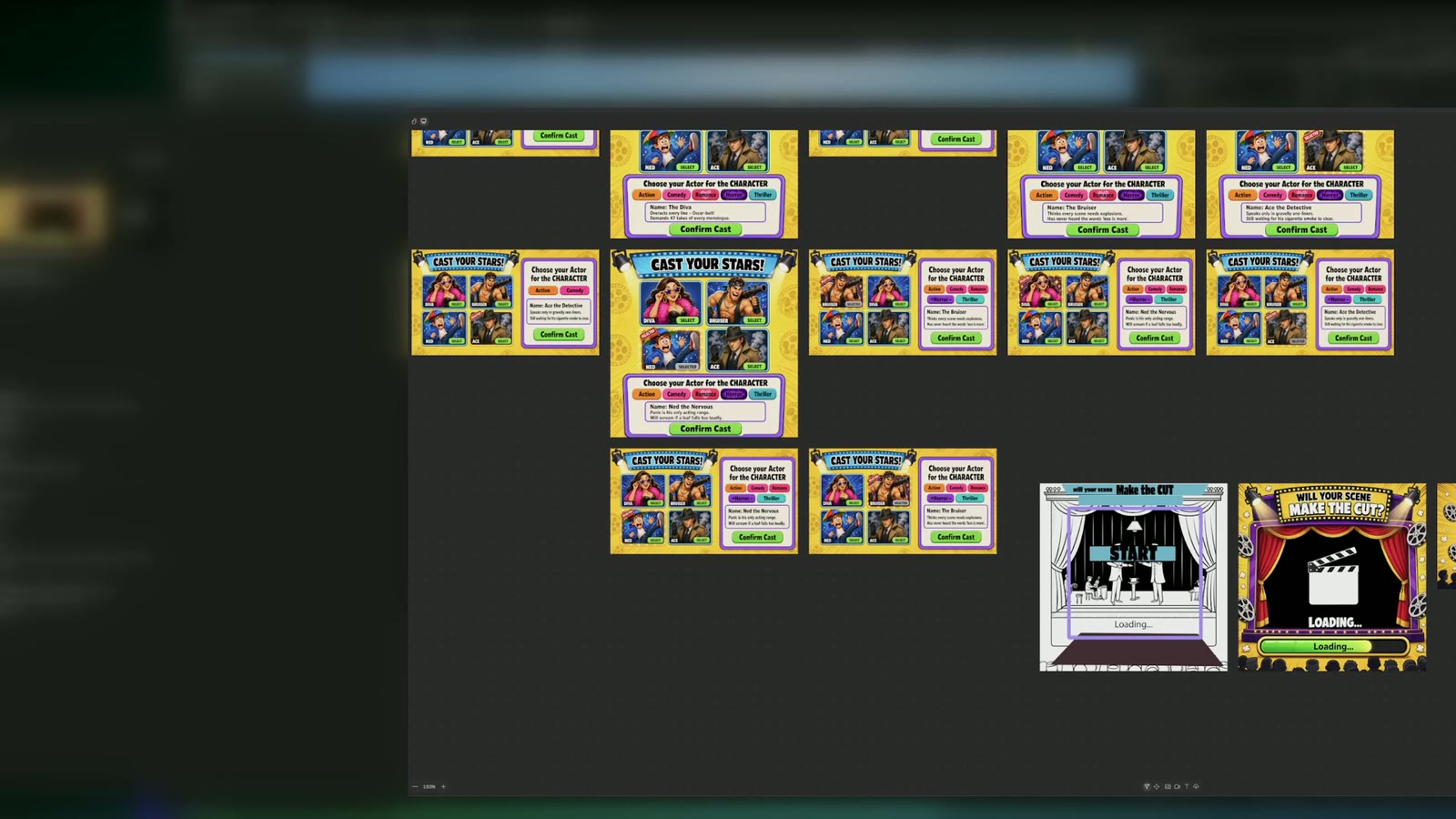
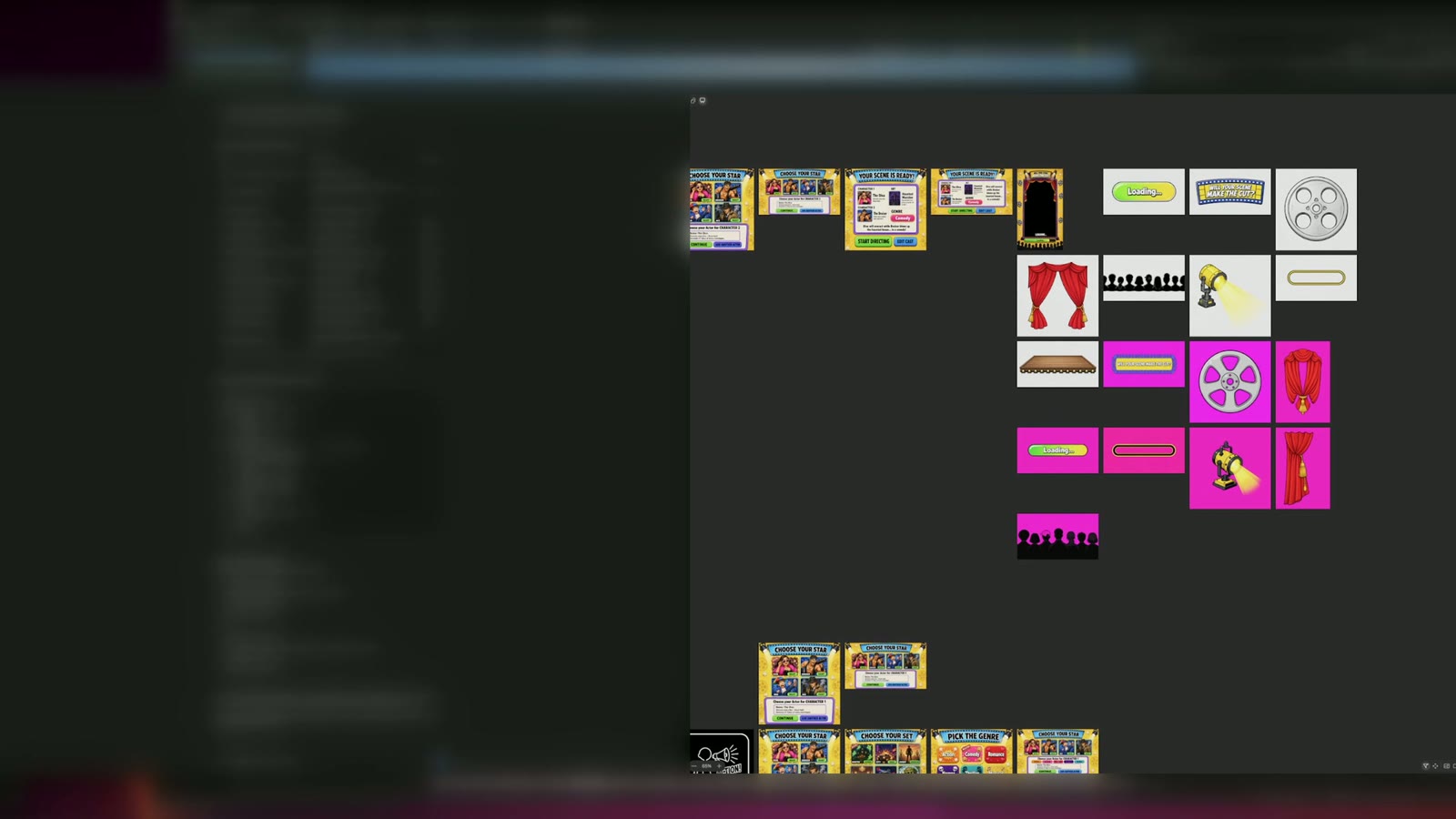
With the wireframe as the brief, I generated UI mockups with AI: loading screens, flipbook icons, casting cards. More pages came out of the same pass: Choose Your Star, Choose Your Set, Pick the Genre.
Two tracks at once
While I worked on the art, Claude Code was building the menu device in UEFN over MCP. The implementation moved while my hands were still in Photoshop.
4:00 PM: parts
Mockups are pictures, and a game needs pieces. I spent the late afternoon breaking each mockup into separate UI parts: curtains, stage, reels, buttons, each one on its own.
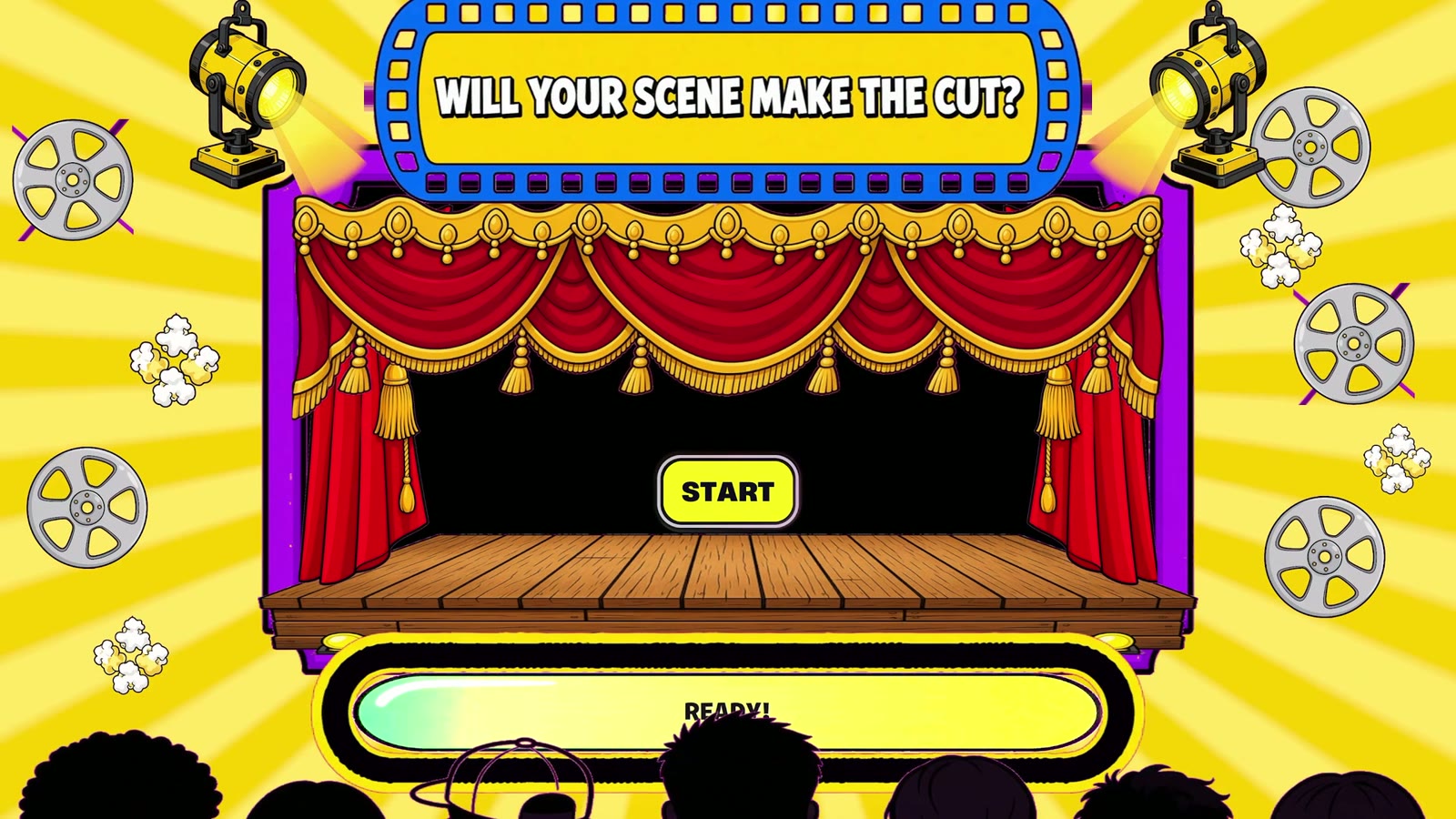
Around 5:40 PM: first live test
The loading screen fills to START, in-game. It is a small result, and it is the one that mattered. The pipeline works end to end.
Evening
I closed the day on the set and genre buttons.
What I would tell myself at 9 AM
Start with the ugliest possible version. The grey boxes took under an hour and every later decision hung off them.
Next: Part 2: The Screens Go Live
Hot Set was made in four days for the Epic AI MegaJam 2026 by BizaNator (Verse programming, AI tooling, storytelling) and Rin Ella Sky (technical art, UI, visual cohesion). The AI actors, the Showrunner and everything that happens when you press these buttons are BizaNator's work.
- Play Hot Set: https://bizanator.itch.io/hot-set
- Trailer: https://youtu.be/xNuTzG2VBj4
- The team's hour-by-hour build log: https://www.biloxistudios.com/blog/megajam26-devlog
Rinellasky
Related Posts

BizaNator
How Our Actors Move
The game may not reuse Fortnite's emotes, so every wave, shrug and dramatic accusation in HOT SET is ours. Here is how we built them, and the day our import test said no.
Rinellasky
Designing the UI of Hot Set, Part 2: The Screens Go Live
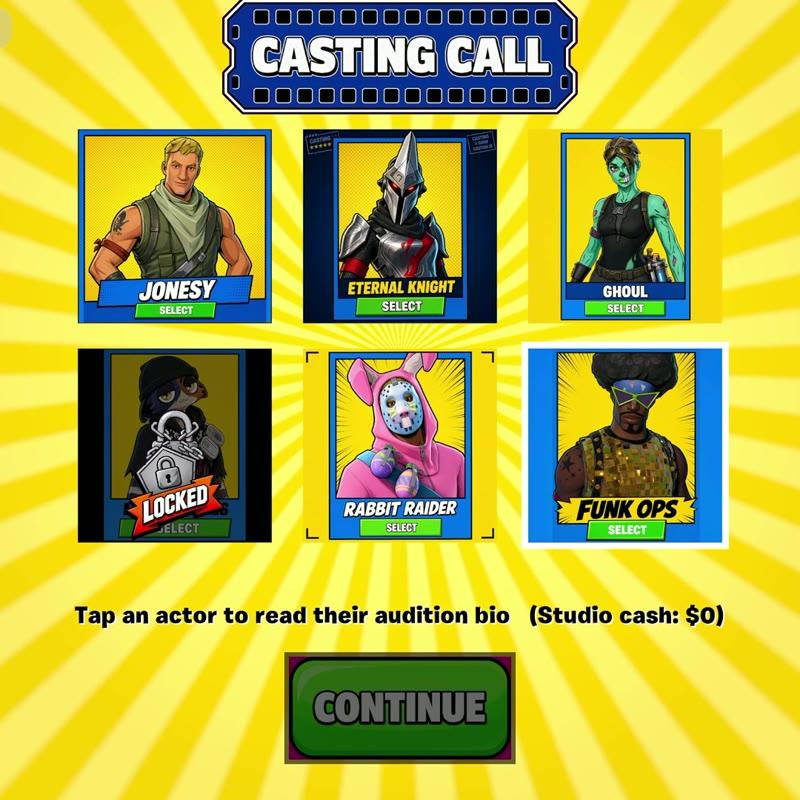
On Day 2 every screen I designed on Day 1 went into the engine, and the menu became the way into a real game.
Rinellasky
Designing the UI of Hot Set, Part 3: Putting the Money on Screen
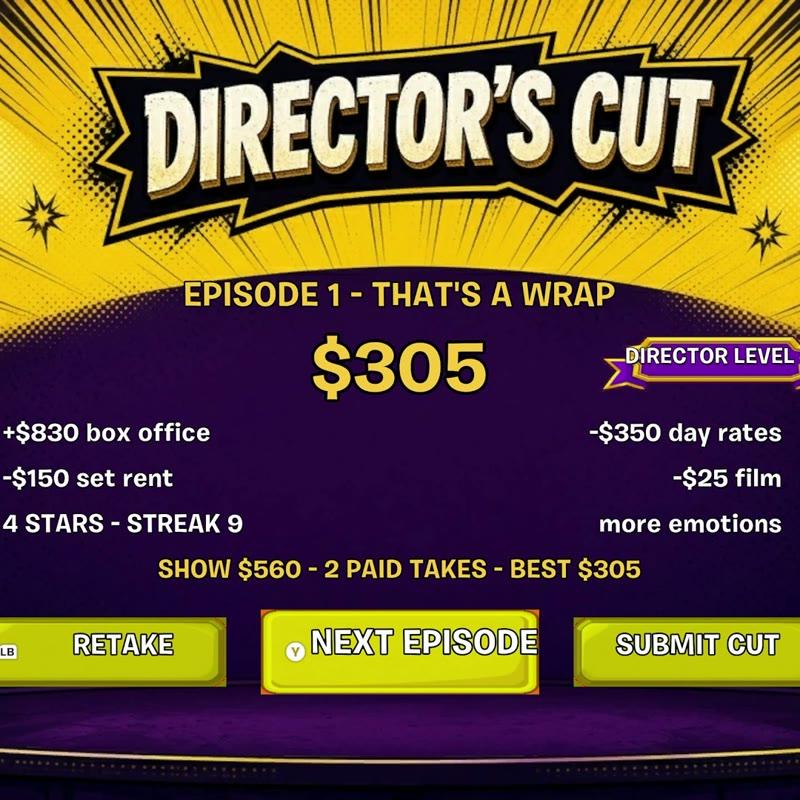
Day 3 gave Hot Set a score, and every part of that score needed a place on screen: a take counter, a director's panel and a results screen.